Reconfiguration tool
Usually you can configure the hostname of a Proxmox system due installation. Since our appliances are preloaded with Proxmox software, there should be a way to reconfigure the system for your needs. For this purpose we have installed a tool called pxreconf on the system, which allows to reconfigure the hostname and some other settings.
The tool can reconfigure a new installed Proxmox system. If the tool detects an installed VM or container, even the Landitec Proxmox container, not all configuration options are available. Due reconfiguration it installs a container with the Landitec Proxmox.
Install pxreconf
The pxreconf tool will be installed due the installation with SDR-Stick.
Starting pxreconf
pxreconf is a commandline tool, so before you can start it, you have to access your appliance using SSH or using a serial console. Then login as user root with the current password (the default password is landitec). Now start the tool by typing pxreconf.
Menu
After starting of pxreconf a menu will be shown where you can select which setting should be changed and which value is currently set:
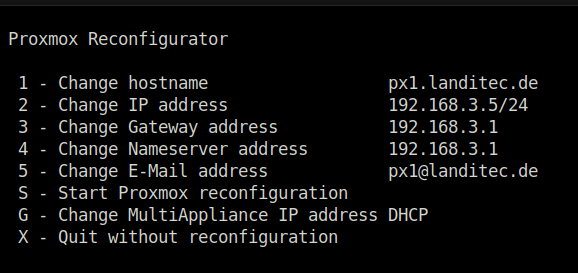
Change settings
The default settings of the appliance are listed here:
| Description | Value |
|---|---|
| Hostname | pxx.landitec.de |
| IP address | 10.200.2.2 |
| IP Netmask | 255.255.255.0 |
| Gateway | 10.200.2.1 |
| Nameserver address | 10.200.2.1 |
| E-Mail address | pxx@landitec.de |
| Landitec Proxmox | DHCP |
To change a setting just type the character in front of the menu entry. A new dialog window opens, where the setting can be edited.
Before accepting the new changes it will be checked. The check is not very strong, but will reject entries with outrages. So, please check twice whether your input is right.
Apply changes
Selecting the menu item Start Proxmox reconfiguration starts the reconfiguration of the system. After the new configuration was written, pxreconf reboots the system. Next to the system settings also the will be installed.
Starting pxreconf after reconfiguration
The tool pxreconf can be started also after first reconfiguration. If the node not part of a cluster and no container or VMs are installed, pxreconf allows changing the network settings. Otherwise it is offering options depending on the state of the node.
Setup Quorum in cluster
If the node is part of a cluster pxreconf allows to setup a quorum. This can be useful if running a 2-node-cluster.
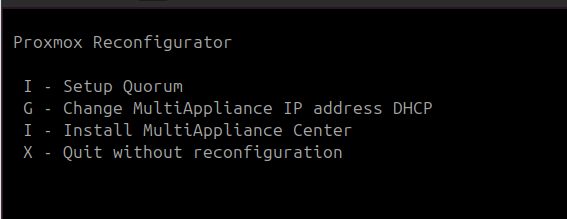
To setup a quorum this device has to be installed first and must be reachable in the network. Then type I to start the setup.
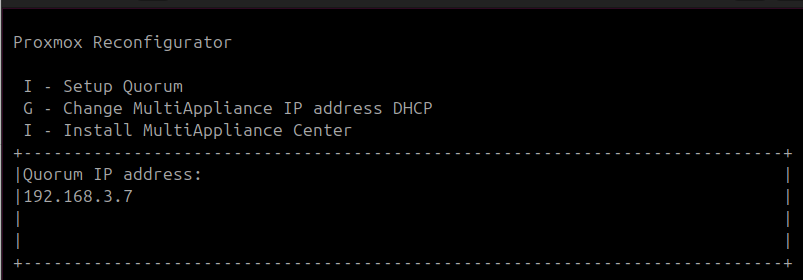
The IP-address of the quorum device has to insert into the input box.
Next pxreconf asks for the root password of the quorum device.
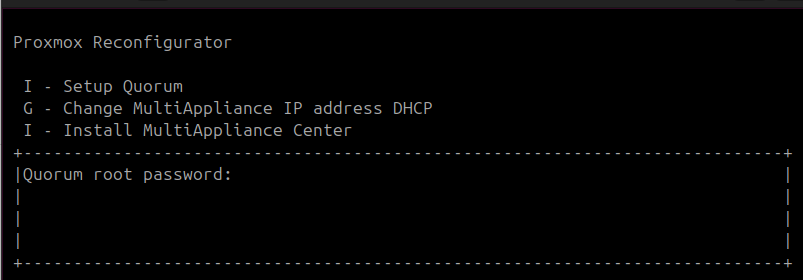
Before the setup starts pxreconf needs a confirmation, if the quorum should be added.
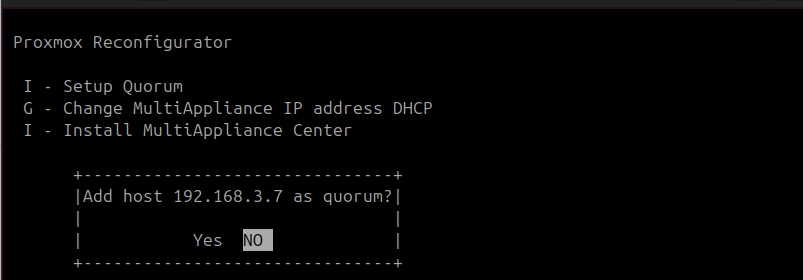
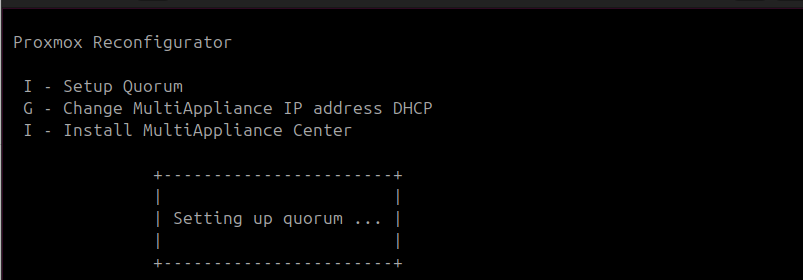
While the setup is running the pxreconf shows a message.
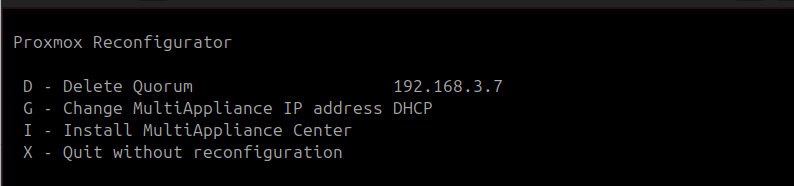
If the setup is finished the IP of the quorum device is displayed in the menu with the option to delete the quorum from the cluster.
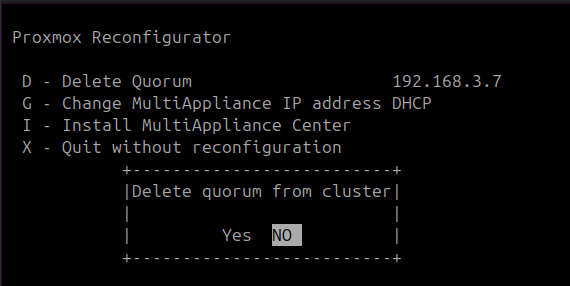
Typing D to delete the quorum from the cluster shows a confirmation dialog. After deletion of the quorum device from the cluster it can be added as described above.
Install a new instance
The container can be installed multiple times or just if needed after it was deleted. For this you can use the Proxmox WebUI or pxreconf.
If there is no DHCP server in your network or you want to set a fixed IP address for the new container press G in the pxreconf menu. In the input box you can insert the IP address of the container.
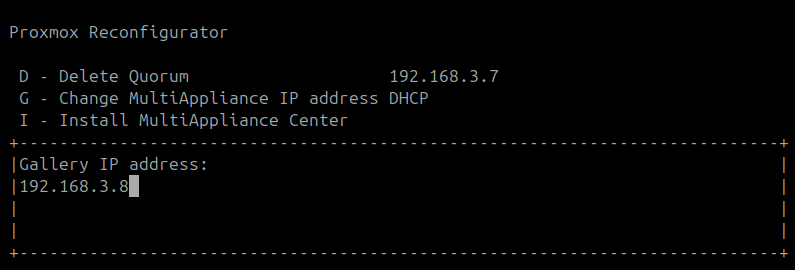
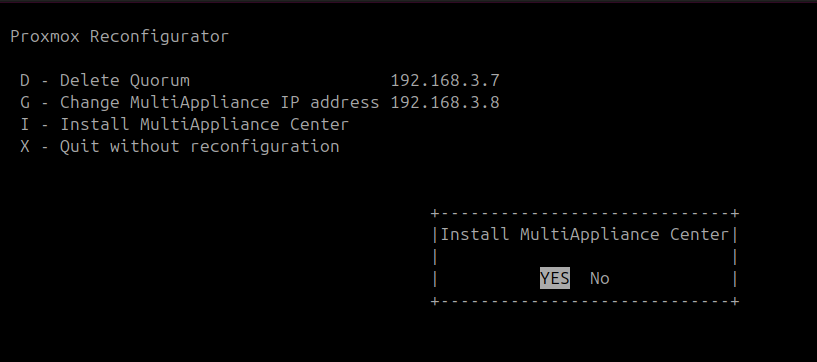
Install the by pressing I and approve it.
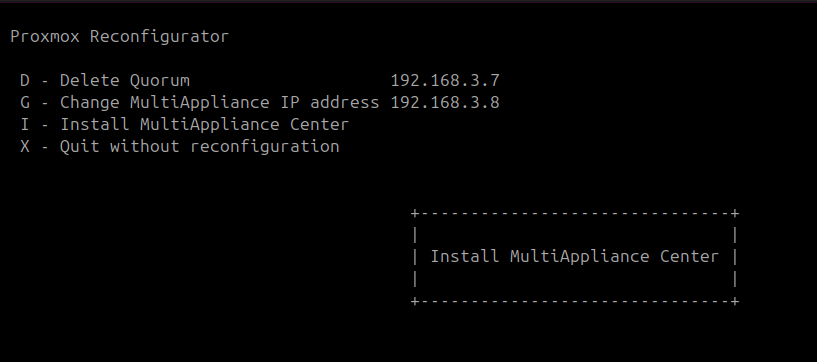
Wait unti the innstallation is finished.
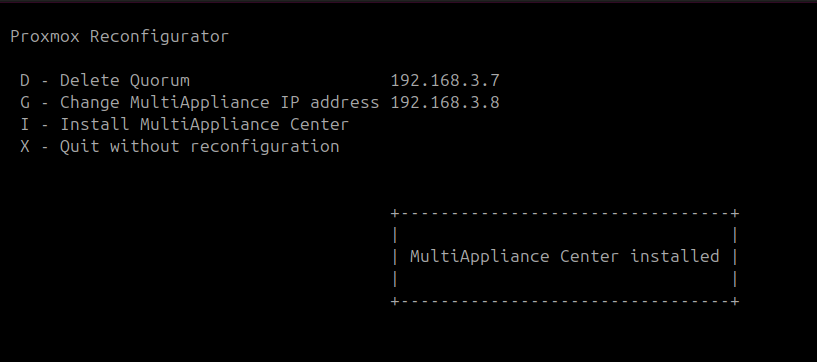
These are the settings of the new container:
| Setting | Value |
|---|---|
| IP-Address | DHCP or configured IP address |
| Netmask | DHCP or from hostnode |
| Gateway | DHCP or from hostnode |
| DNS | DHCP or from hostnode |
| Hostname | multiappliance |
| Root password | landitec |
| Memory | 2GB |
| CPU cores | 2 |
| Storage | first storage for container |