ZFS
The ZFS storage has to be create on each node in the cluster.
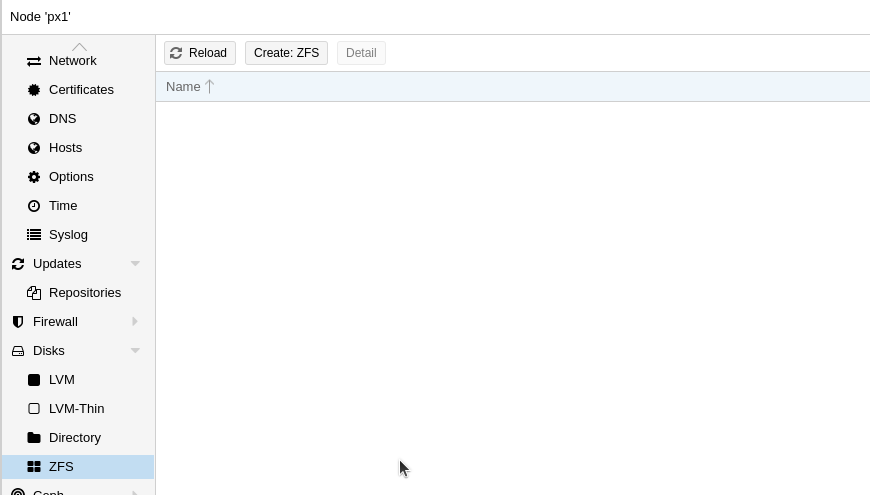
In the Proxmox WebUI open the submenu ZFS in the Disks menu. Here click on the button Create: ZFS to open the dialog to create the ZFS disk.
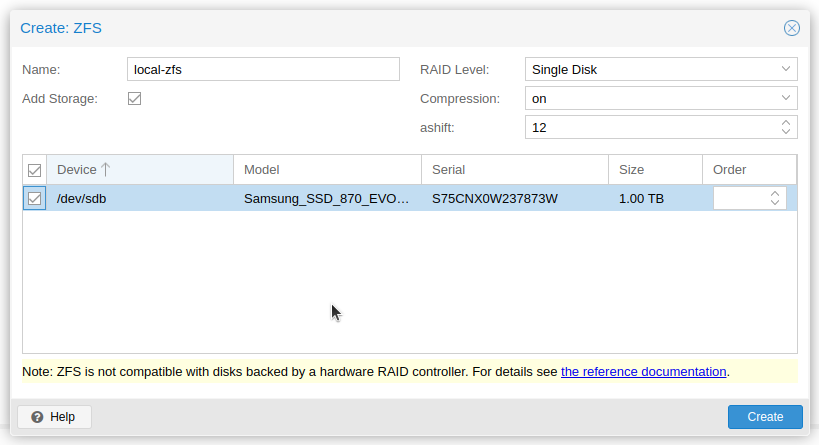
In the dialog select the disk to use and assign a name for the new storage.
The name of the storage must be the same on all nodes.
After creation the new storage is listed in the Datacenter storage menu for Disk Images (VMs) and Container.

Here it is possible to configure the storage for thin provisioning.